
A sneak peek at MultiPortal 1.3: more control for your resellers and tenants
A sneak peek at MultiPortal 1.3: five features that give your resellers and tenants more control and leave your team fewer tickets to work through.
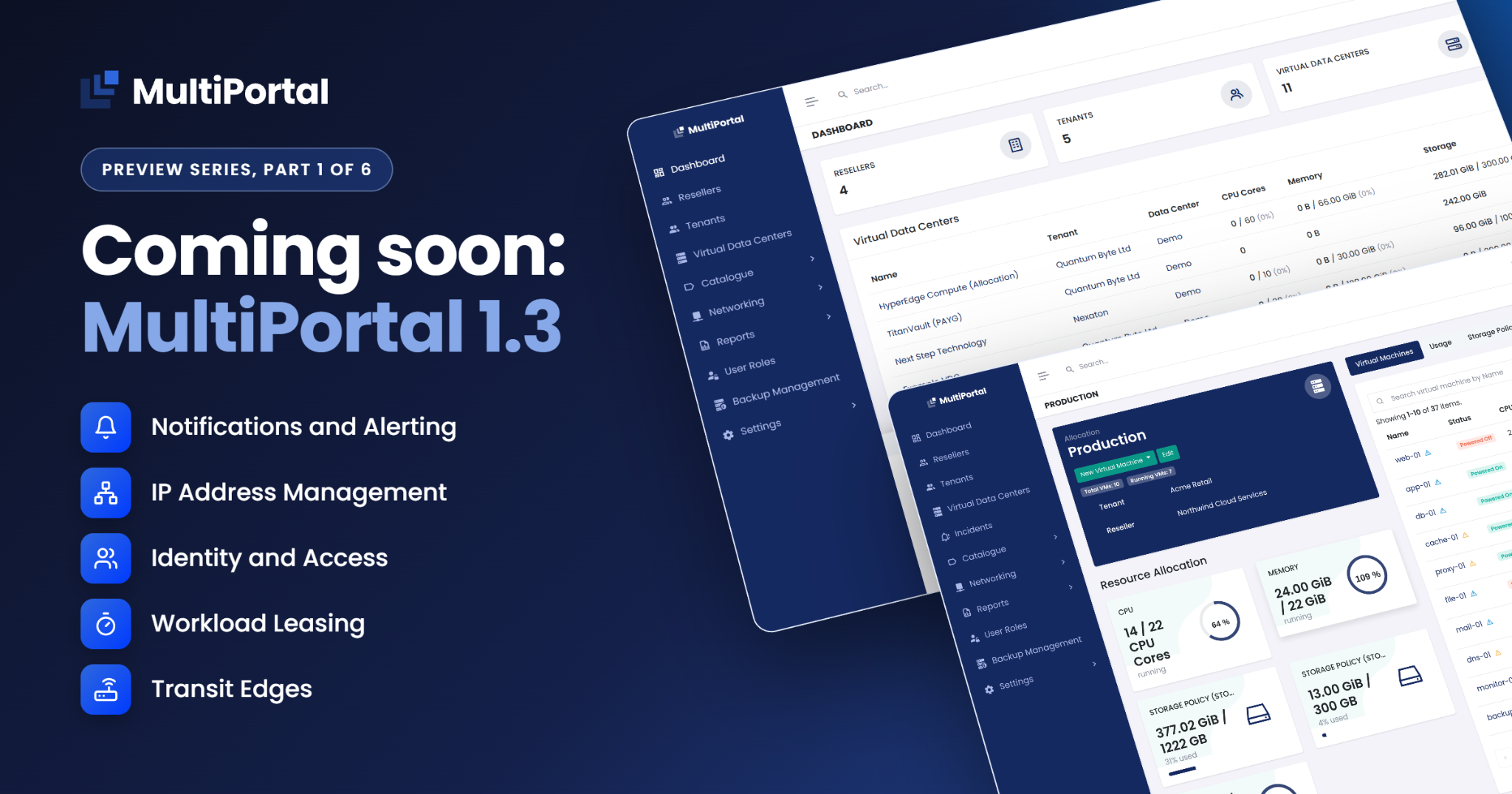
MultiPortal 1.3, part 1 of 6.
Think about an ordinary week for a provider’s operations team: a firewall change raised as a ticket, a spreadsheet checked for a free IP address, a reseller waiting on access for a new hire, a customer calling about a problem nobody had seen, and a forgotten test VM still using capacity.
Each job is small. Together they fill the queue, and in most of them someone is waiting on your team.
More self-service for resellers and tenants in 1.3
MultiPortal 1.3 adds eight new features, several of them capabilities that haven’t existed before for MultiPortal or for Proxmox. Five of them let resellers and tenants make their own changes from the portal, while your team gets better visibility across the platform. This series previews each one ahead of release.
Five features coming in 1.3
Notifications and Alerting. Alerts on VMs, nodes, and storage go straight to the provider, reseller, or tenant that owns the resource, across 13 channel types from email to PagerDuty.
IP Address Management. You define subnets and pools in MultiPortal, and it records every assignment as VMs are deployed. When someone asks who holds which address, the answer is in the portal instead of a spreadsheet.
Identity and Access. Users, roles, and sign-in settings come together in one Identity and Access menu. Resellers and tenants see the same menu, scoped to their own users, so they can look after their own people without asking you.
Workload Leasing. VMs can have an end date. The owner is warned first, then a policy works through the stages you set, such as snapshot, back up, power off, and delete, and records each one.
Transit Edges. Each tenant gets its own edge for routing, NAT, firewall, and VPN, and manages it from the portal. Tenants make changes when they need them, and you no longer license a third-party firewall for each customer.
Part 2: Notifications and Alerting
When a tenant reaches its storage quota or a backup schedule is missed, Notifications and Alerting in 1.3 notifies your team, your resellers, and the tenant through email, chat, or the in-app inbox. Part 2 covers what each of them receives, including alerts sent under a reseller’s own brand.