
Lost VMware partner status? How to move to Proxmox VE with MultiPortal Migrator
Broadcom stopped renewing VCSP contracts after 26 January 2026. See what it means for your customers, and how MultiPortal Migrator moves your VMs to Proxmox VE.
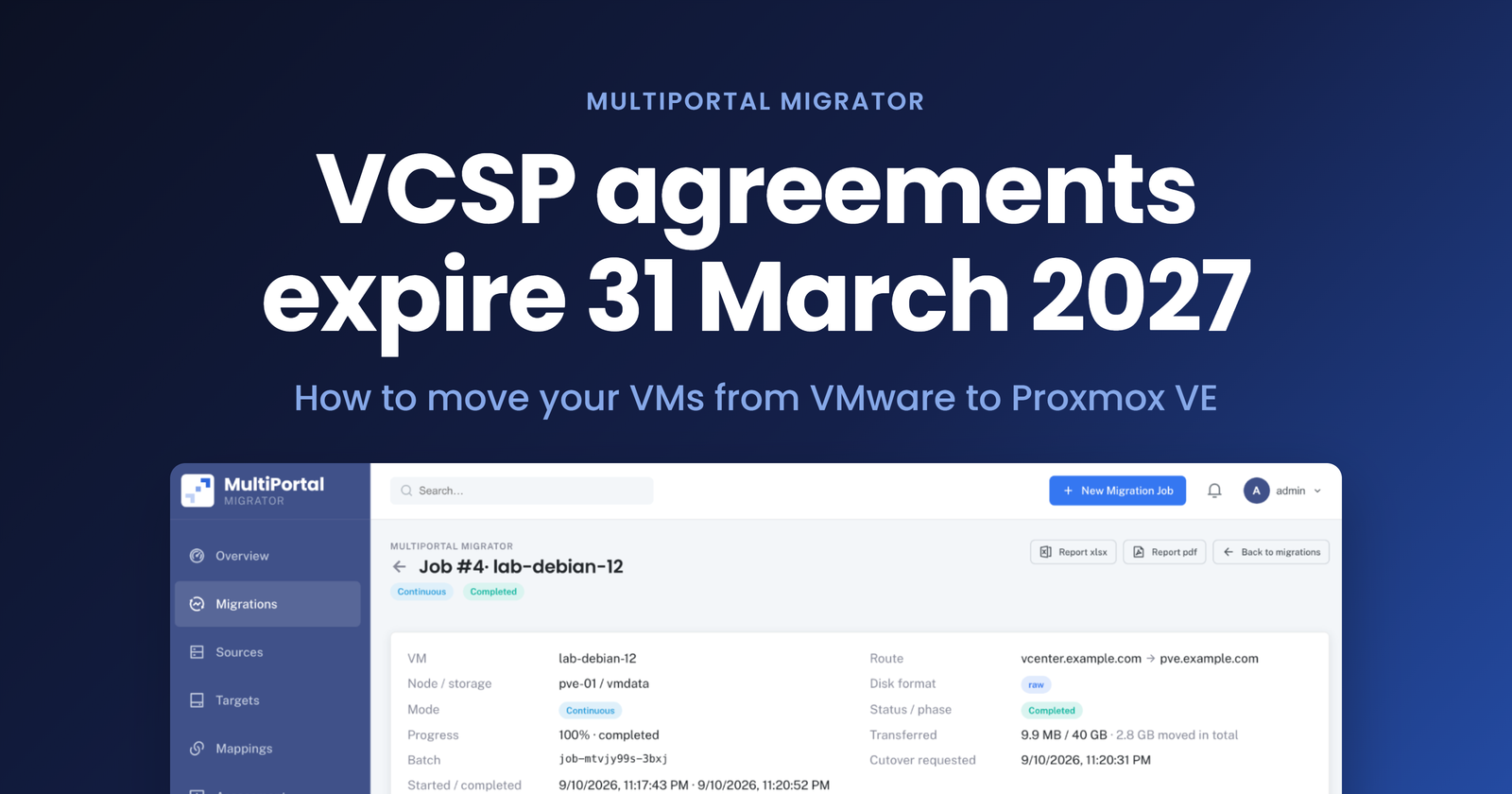
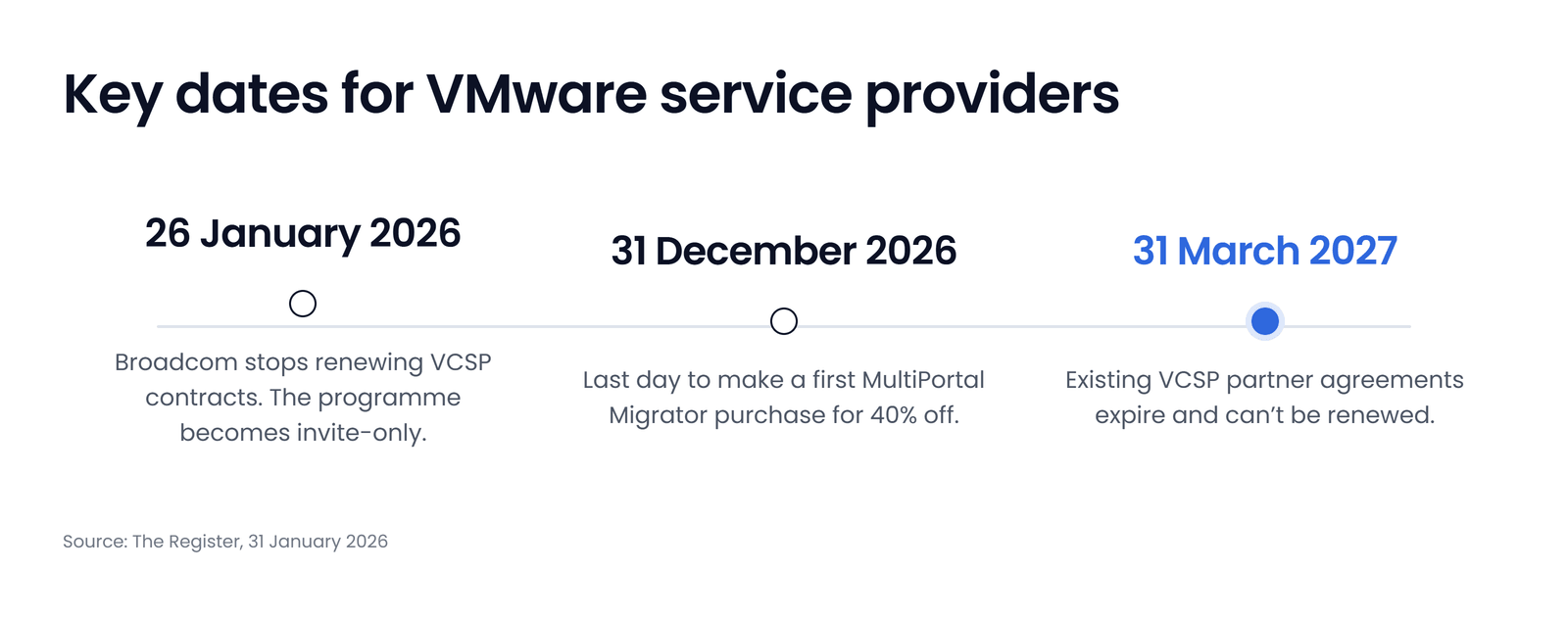
If your cloud services run on VMware, the terms you planned around have changed. Broadcom stopped renewing VMware Cloud Service Provider (VCSP) contracts after 26 January 2026 and made the programme invite-only.
At the same time, the VCSP cutoff is the end of March 2027, which sets the deadline for every cloud provider to evacuate their VMware environments. For service providers who weren’t invited back, the priority now is moving customer VMs without disrupting the services those customers rely on.
Here’s what changes for you and your customers and how to plan the move on your own schedule.
What losing partner status means in practice
Your contracts and your ability to resell VMware: Existing partner agreements expire on 31 March 2027 and can’t be renewed. After that date, VMware cloud services can only be delivered by a smaller group of authorised partners. If you aren’t one of them, you can’t continue delivering VMware-based cloud services.
Your customers: Existing customer contracts can generally run to the end of their term, which is why the practical deadline for most providers falls in early 2027. After that, customers running on your VMware platform will need a new home, either with an authorised partner or on the platform you move to.
Where you can go from here
Providers outside the programme have two realistic paths and only one keeps your customer on your platform.
- Let your customers move to a remaining VCSP. Broadcom has pointed customers of dropped providers toward the larger “go-forward” VCSPs that remain. Providers outside the programme can’t keep delivering VMware cloud services themselves, so this route means handing over the hosting relationship.
- Move to another hypervisor. This means migrating customer VMs to a platform such as Proxmox VE, an open-source hypervisor built on KVM, and completing the move before the cutoff.
If you plan to keep your customers, the cutoff solidifies the timeline. Moving a full environment involves more than copying disks, so the time left before March 2027 is best spent planning.
How MultiPortal Migrator handles the move
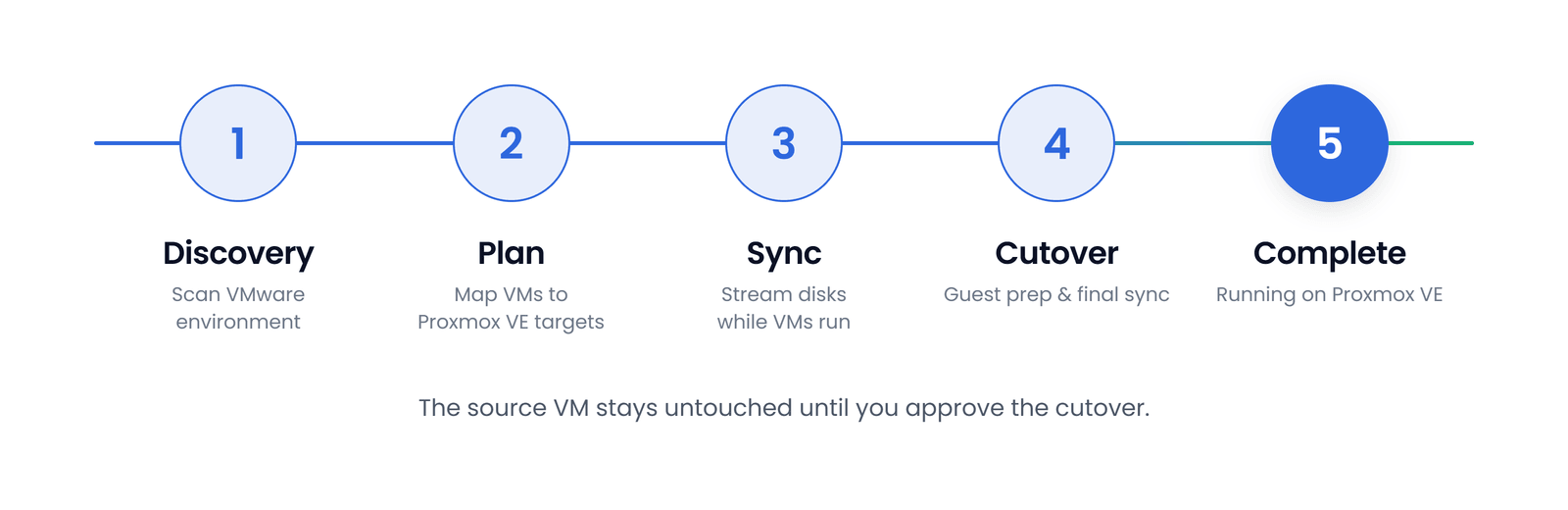
MultiPortal Migrator moves VMs from VMware vSphere to Proxmox VE through five stages.
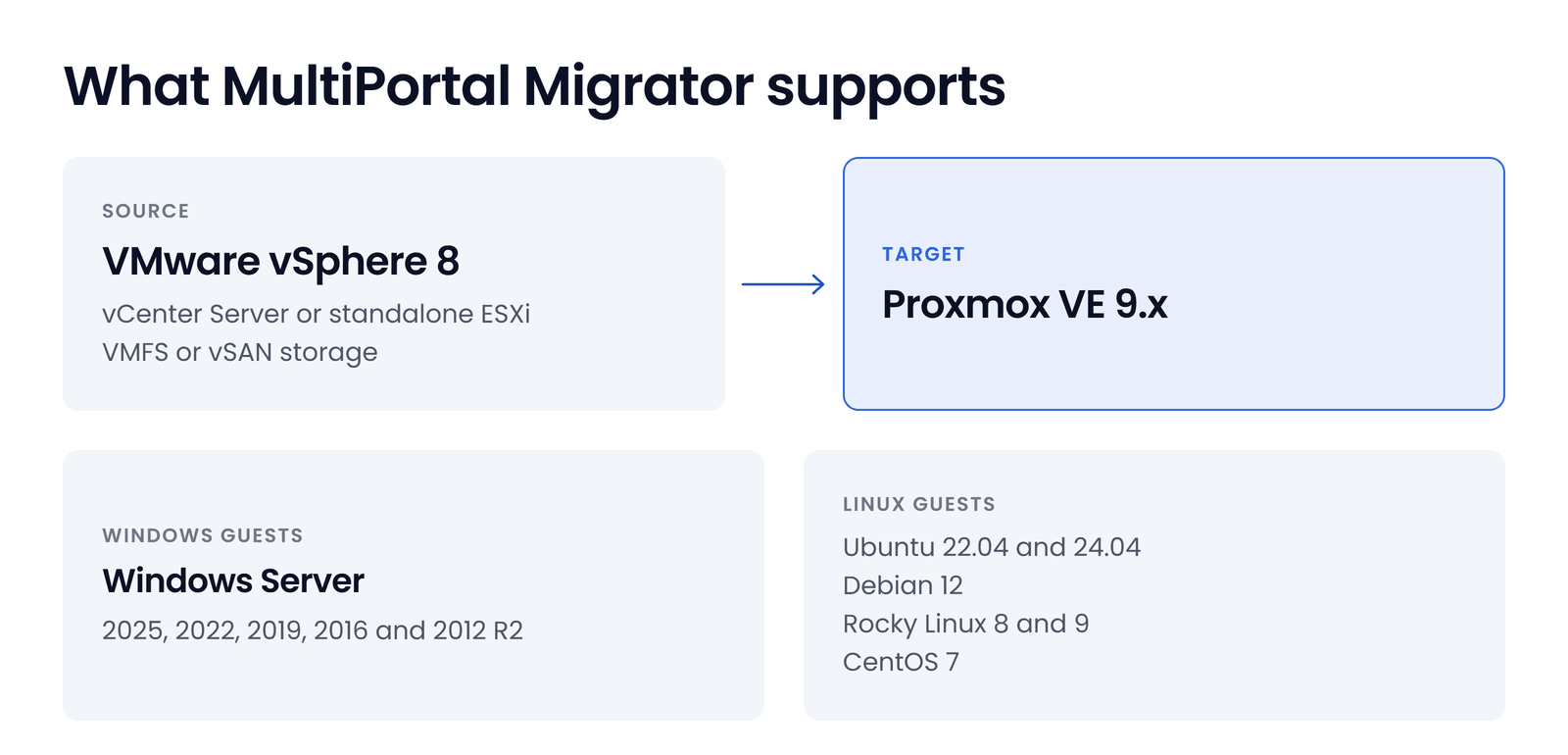
Guest preparation is handled automatically. Migrator injects VirtIO drivers, remaps NICs and reconfigures IPs, so each workload on a supported Windows or Linux build comes up on Proxmox VE without manual work per VM. Networks, storage and placement are mapped once for the whole environment, and individual disks can be routed to their own storage pool.
Pick a mode for each VM
You choose one of three modes for each VM, based on how much downtime it can take:
- Cold: the VM is powered off while it copies.
- Warm: Migrator replicates the VM from snapshots while running, with no dependency on VMware’s VDDK. This mode is available for VMs on non-vSAN storage.
- Continuous: the VM keeps running while it syncs, until you approve the cutover.
In continuous mode, downtime at cutover can be as low as a few seconds. Migrator keeps the copy up to date by sending only the changes, and leaves the source VM untouched until cutover. If anything needs checking before you switch, the original is still running.
Warm and continuous modes need snapshot-capable target storage, so check your Proxmox VE storage before choosing either for a VM.
Readiness checks run before anything moves, so most problems surface at planning time. If a step fails after the source powers off, Migrator reverts the target and powers the source back on. It never deletes your VMware VM, so that decision stays with you.
Cutover starts when you trigger it, so plan for someone to be online during each window.
You can run unlimited assessments against your environment with no licence key needed to start, and your first 5 VMs migrate free.
Why starting your migration now matters
March 2027 can look far enough away to wait. In practice, the time goes into the work around each migration: inventory, storage checks, choosing a mode per VM, a first small batch, and cutover windows agreed with each customer.
Starting earlier lets you schedule cutovers around each customer’s timeline and avoid a backlog in the final months before the cutoff. It also leaves room to test on a small batch and adjust the plan before customer-critical workloads move.
To help you start your move now, make your first MultiPortal Migrator purchase by 31 December 2026 and get 40% off your Migrator purchase through 31 March 2027. Use code BYEBYEBROADCOM at checkout each time.

Try MultiPortal Migrator on your own VMs
Our aim at MultiPortal is to make it as easy as possible for service providers, enterprises and their customers to manage their own workloads. Migrator is the first step: it moves your VMs to Proxmox VE, and continuous mode keeps them running until you approve the cutover.
To find out how Migrator would handle your own VMs, try it now free for up to 5 VMs, or see how it works. To watch a migration run from vCenter to Proxmox VE, watch the webinar recording.
If you’d rather talk through your environment first, talk to our migration team.